Before you move
Clean data now saves weeks later. Agree one master list of customers and meters, and close off the last month in your old records.
- One row per meter with the customer's name, phone and zone
- The last reading and its date for every meter
- Each customer's balance as at the last day of the month
- Your current tariffs and any standing charges
- A list of disconnected and inactive meters
Check the totals
Before going live, add up the balances in your old records and in the new system. They must match to the shilling. Have the treasurer or accountant sign this off; it is the moment your customers' trust is protected.
Run the first month together
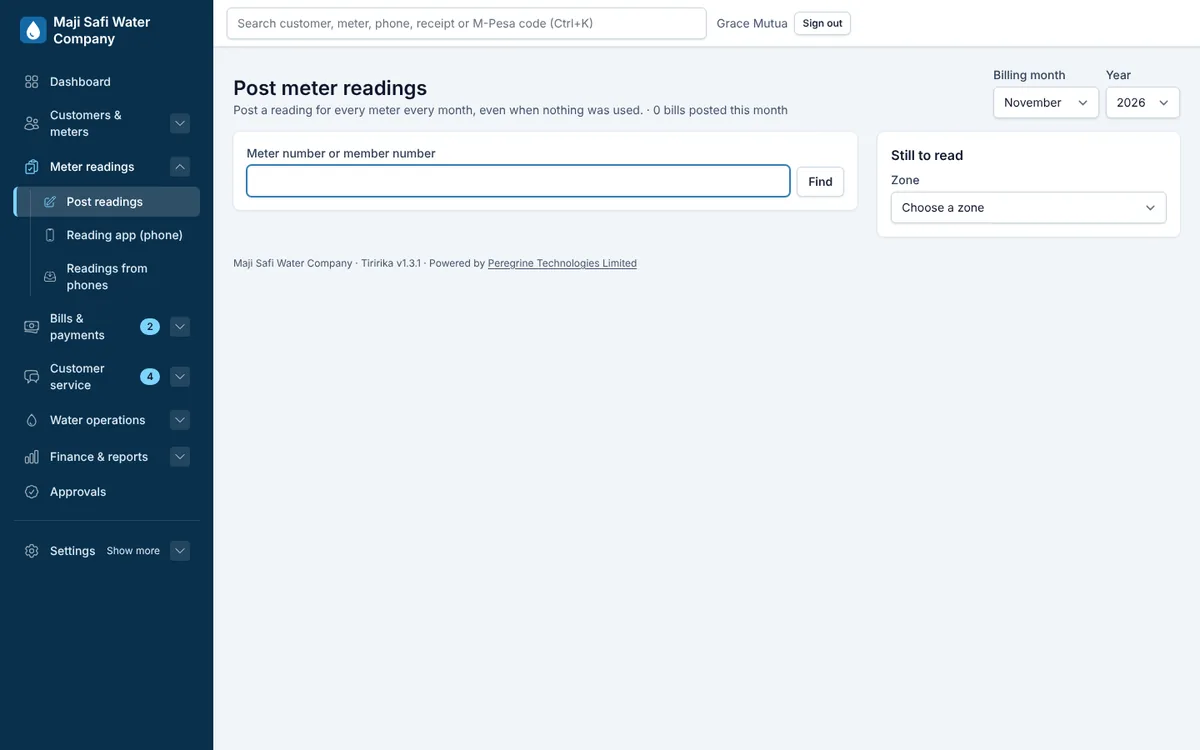
Post the first month's readings in the new system, compare a sample of bills with what the old method would have produced, and only then send them. Keep the old records read-only for reference.
- Compare 20 bills by hand
- Send a test SMS to staff first
- Make a test M-Pesa payment and check the receipt
Tell your customers
A short SMS explaining the new bills and how to pay by M-Pesa heads off most questions at the counter.
Common questions
- Will we lose our arrears?
- No. Each customer's balance is carried in as an opening balance and appears on the first bill.
- Can Peregrine do the import for us?
- Yes. The set-up fee covers importing your data and checking the totals with you.