Everything a water company runs on
One system for the office, the field and your customers. Switch on the parts you need; the rest stays out of the way.
Customers and meters
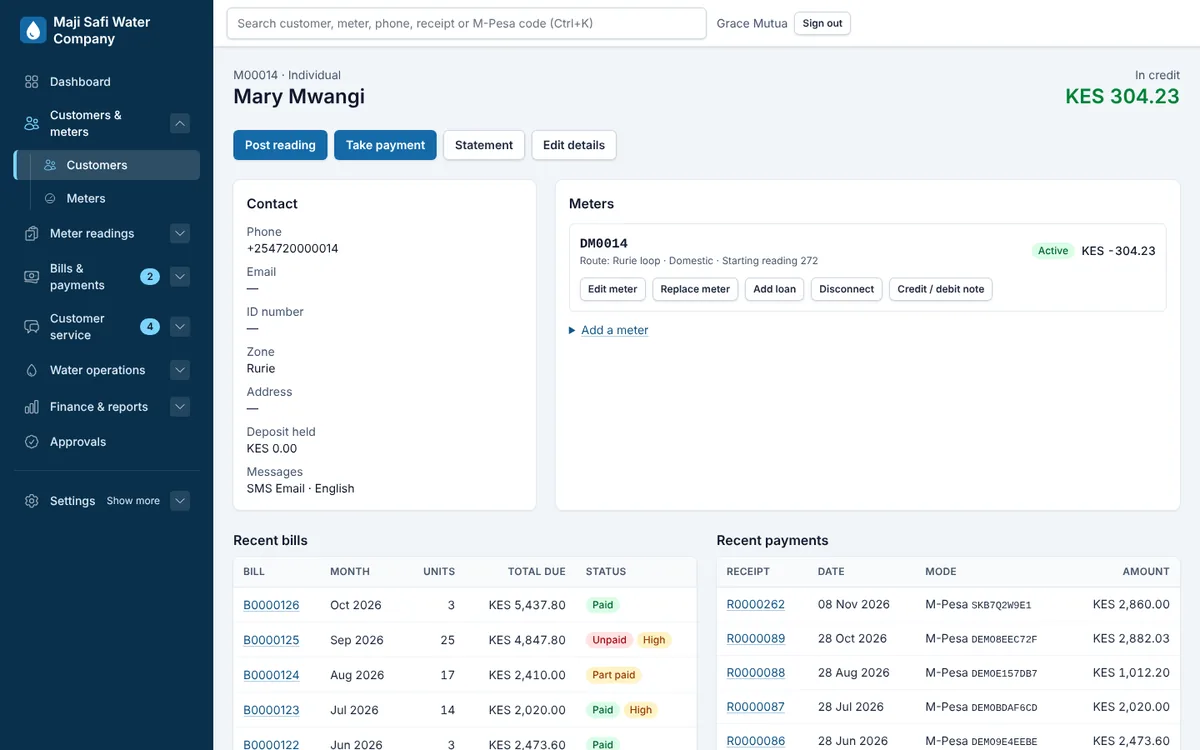
- Customer accounts
- Individuals, companies and institutions, with ID, phone, zone, plot and contacts. Search by name, phone, meter, receipt or M-Pesa code from any screen.
- Meters
- Several meters per customer, meter replacements with the old and new readings kept, disconnections and reconnections with fees.
- Zones, lines and routes
- Organise meters the way your network runs, and give readers routes in walking order.
- Excel import
- Bring in customers, meters, readings and opening balances from spreadsheets, with a preview before anything is saved.
Tariffs and billing
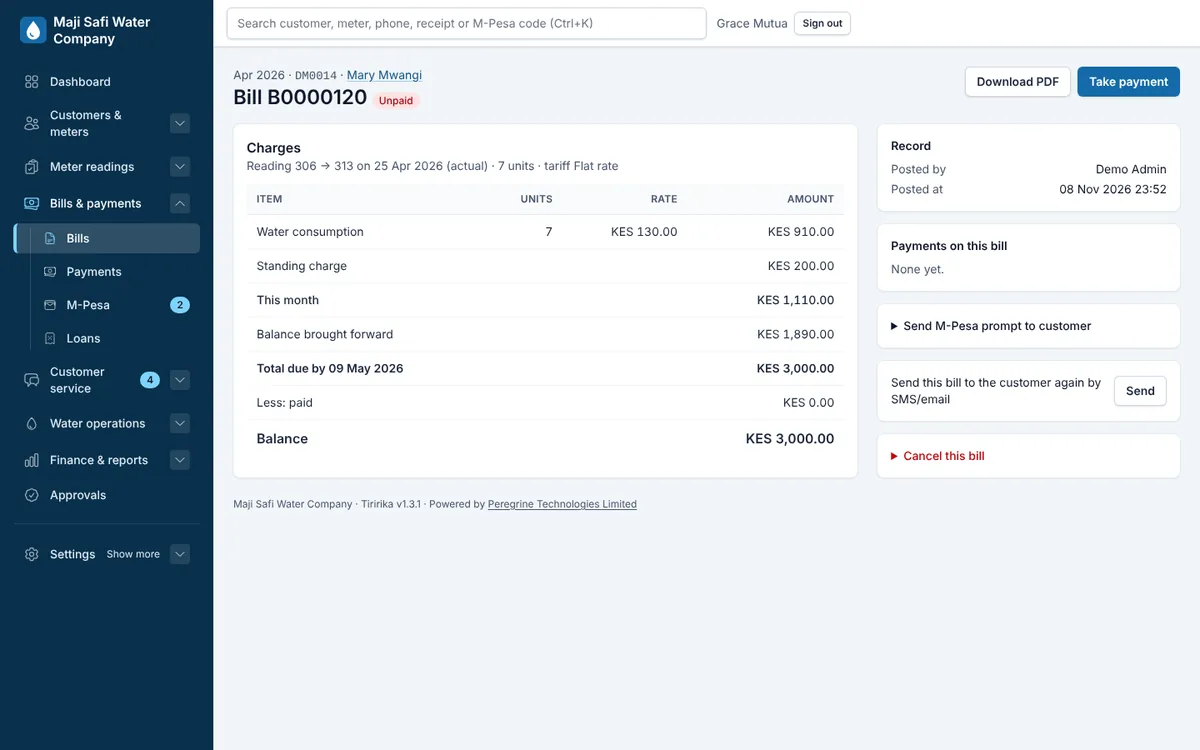
- Any tariff
- Flat rate, tiered blocks, minimum charges, standing charges, sewer charges, and different tariffs per billing category. Keep the WASREB approval and gazette details with each tariff.
- Bills in minutes
- Post a month of readings in one sitting. Estimated readings, unusual consumption checks and carried-forward units are handled for you.
- Credit and debit notes
- Corrections with a reason and, if you want, a second person to approve them.
- Bills that look like yours
- Your logo, colours, paybill and notes on every PDF bill, receipt and statement.
Payments and M-Pesa
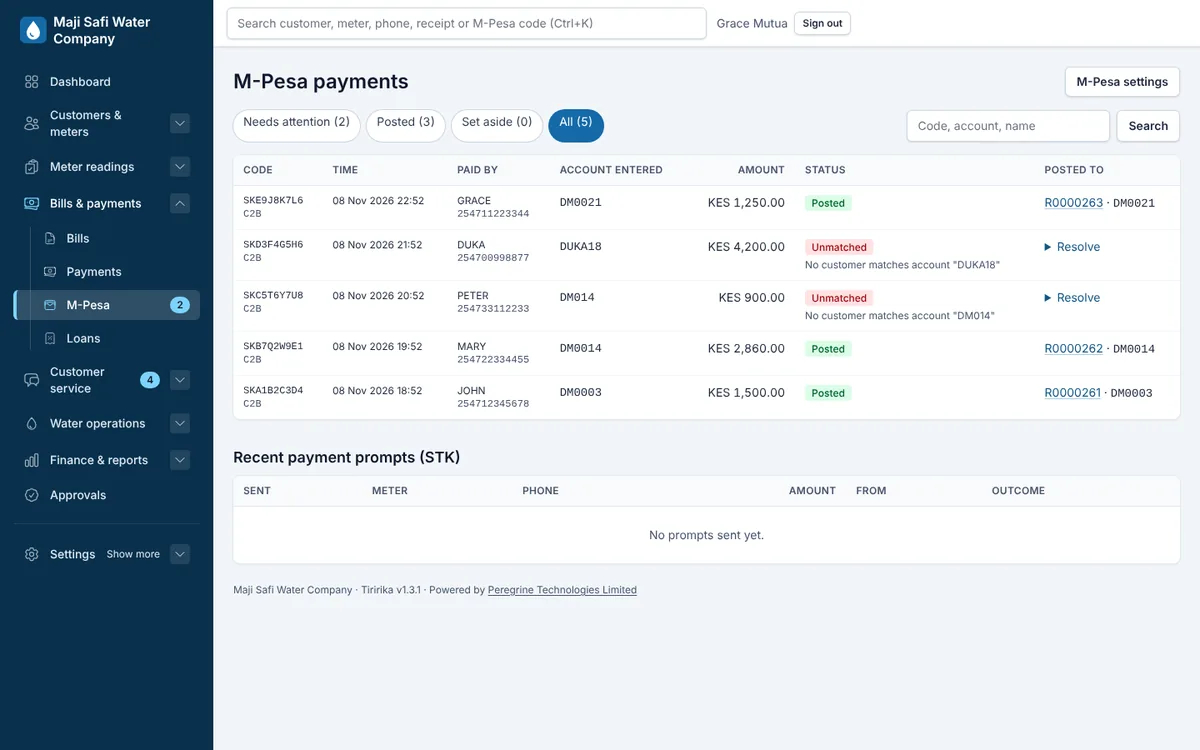
- Paybill payments post themselves
- Safaricom tells Tiririka about each payment; it finds the account, posts the payment and sends a receipt by SMS.
- Pay-now prompts
- Send an M-Pesa prompt (STK push) to a customer's phone from the office or the portal.
- Unmatched payments
- A wrong account number waits in one list for staff to match, with Safaricom's own record of the payment.
- Cash, bank and cheques
- Record counter payments with printed or thermal receipts. Cancel with a reason, never delete.
Field work
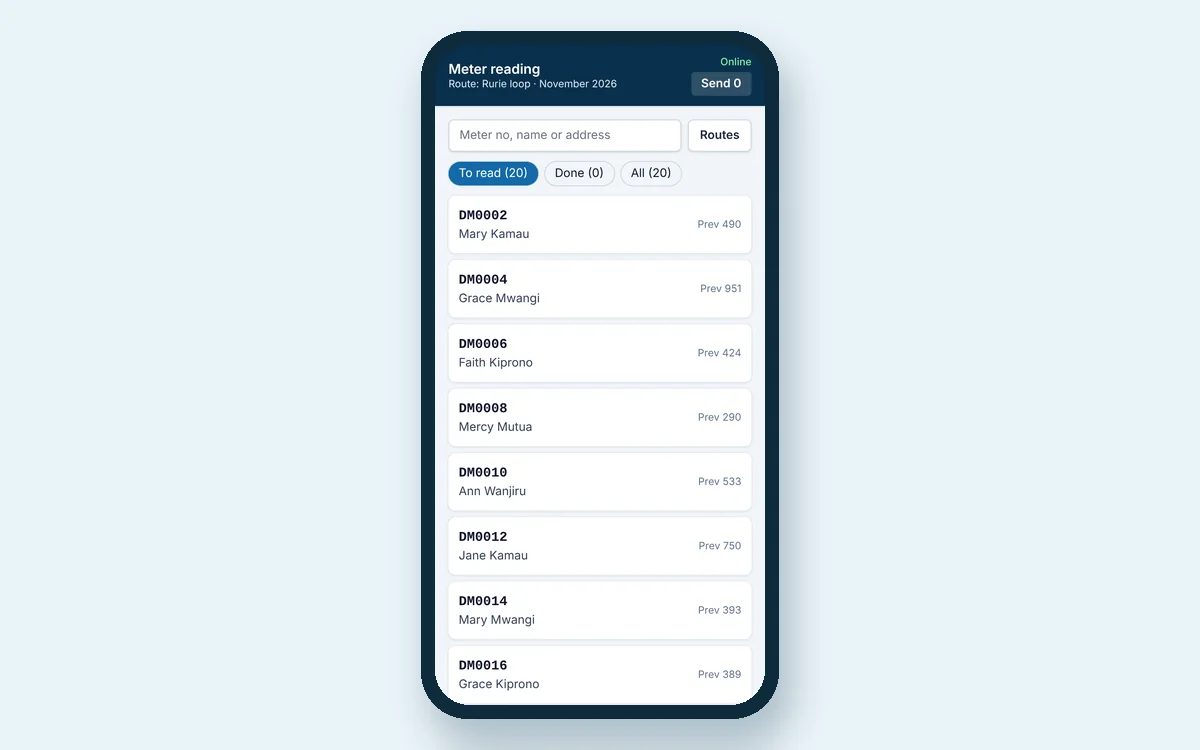
- Meter-reading app
- Works on any Android or iPhone browser, offline. Readers see last month's reading, flag problems and take photos.
- Review before billing
- Readings from the field wait for the office to approve or reject them.
- Reading sheets
- Print route sheets for readers who prefer paper.
- Map
- See meters and debtors on a map of your area.
Customer service
- Customer portal
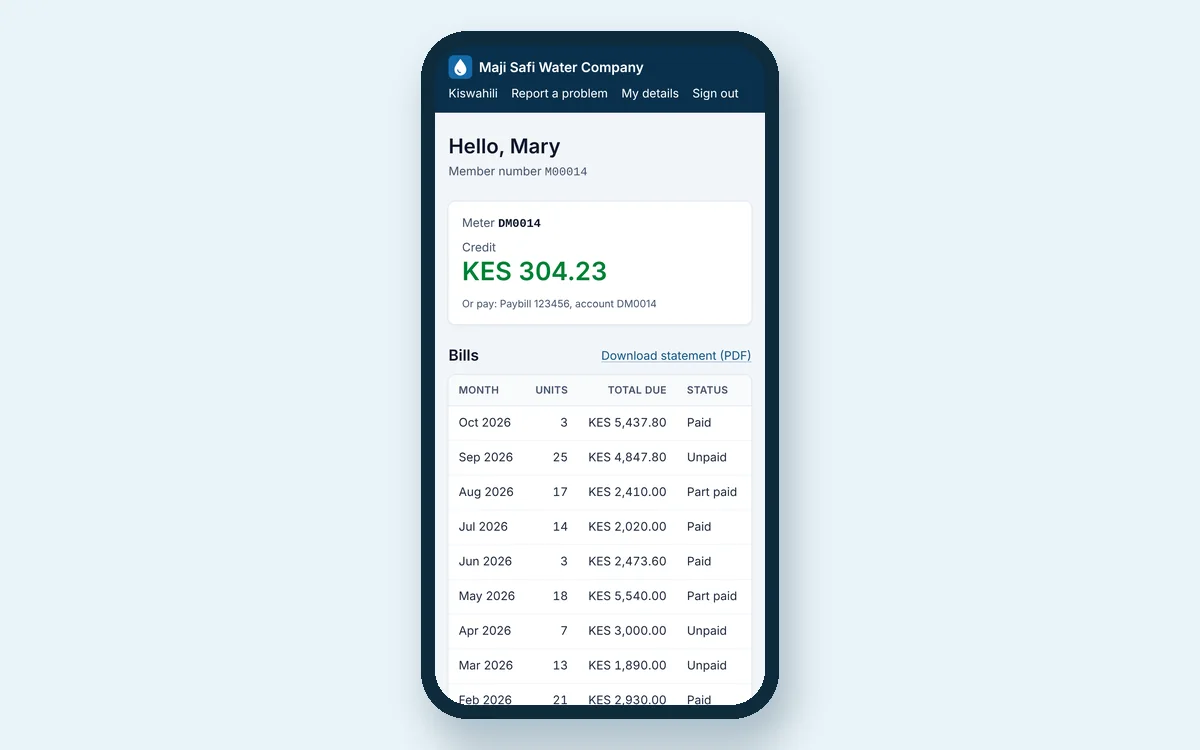
- Customers sign in with a one-time code to see bills and payments, download statements, pay, and report problems, in English or Kiswahili.
- Service desk
- Leaks, no-water reports, billing queries and meter faults as tickets, with priorities, due times and who is handling them.
- Bulk SMS and email
- Bills, reminders, notices of interruptions and receipts. Scheduled batches, with delivery reports.
- Statements
- Full account statements for any period, as PDF.
Water and regulation
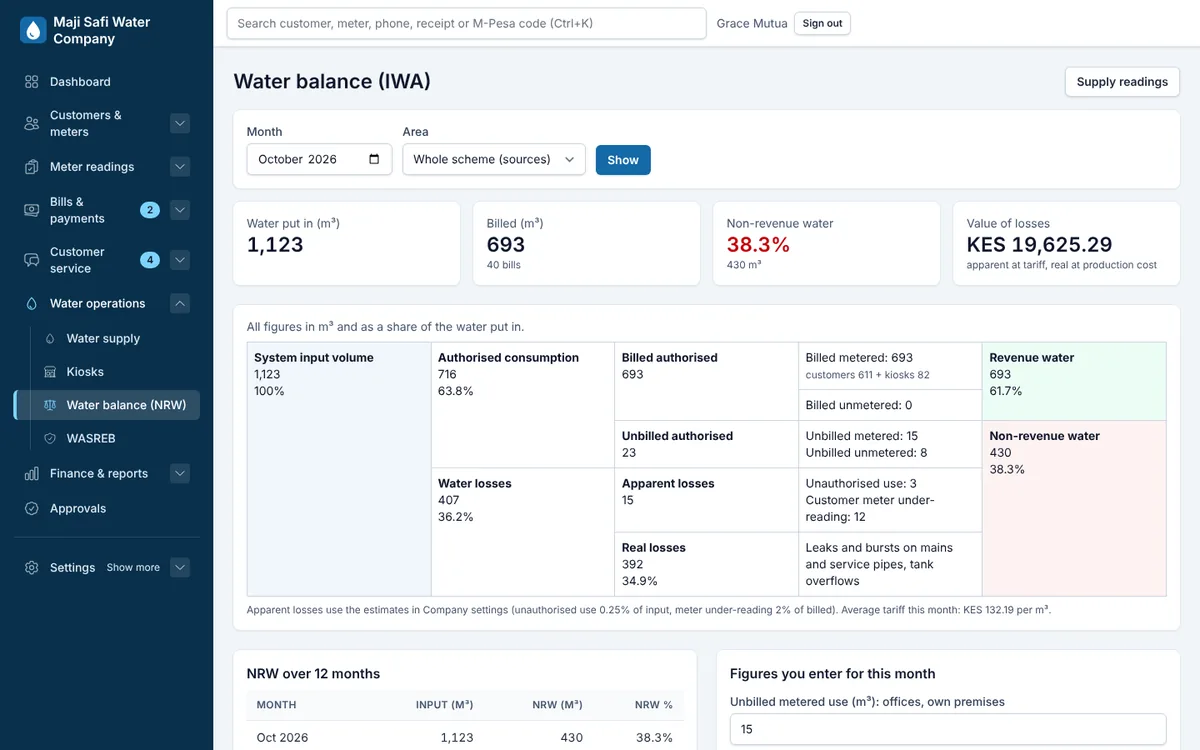
- Water balance
- Production, bulk meters and billed consumption side by side, with non-revenue water by zone.
- WASREB reporting
- Monthly indicators, tariff register and water-quality tests, ready for your regulator returns.
- Supply points and tanks
- Boreholes, bulk meters and tank levels, with alerts when a tank runs low.
- Water kiosks
- Kiosk meter readings against cash and M-Pesa takings, so shortfalls are visible.
Finance
- Debtors by age
- Who owes, how much and for how long, by zone and category, exported to Excel.
- Collections
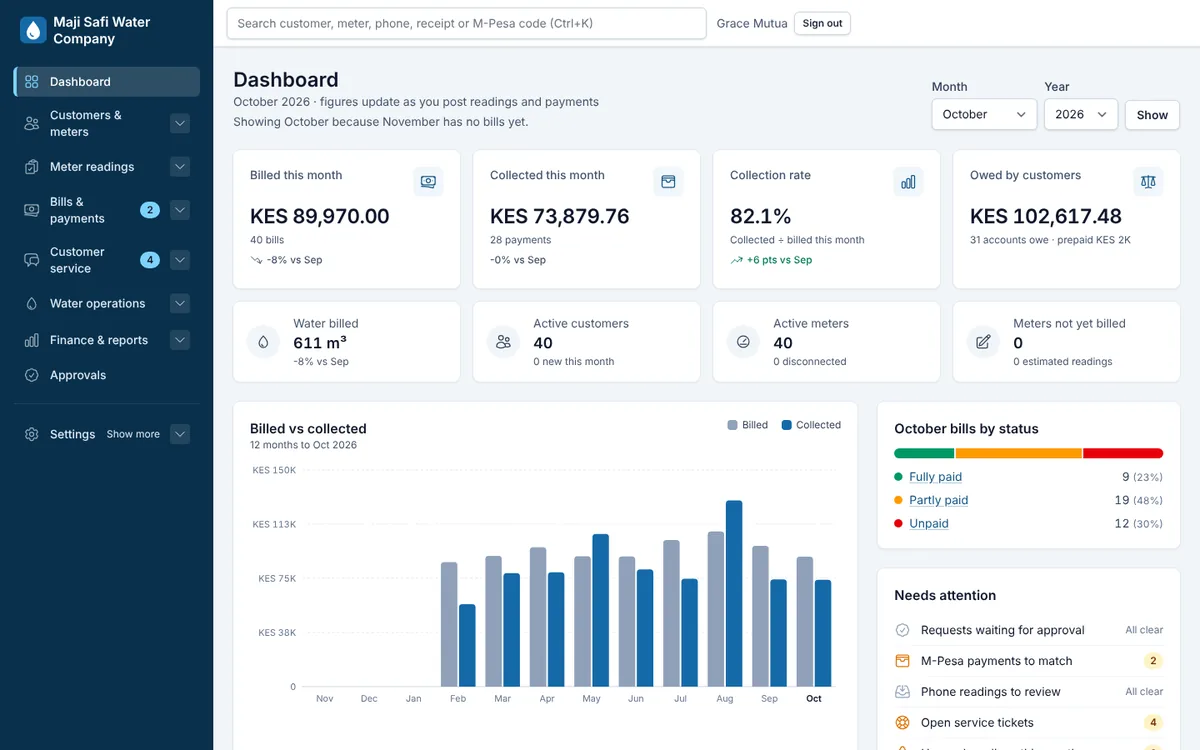
- Billed against collected by zone, by payment method and by month.
- General ledger
- Every bill and payment posts its own journal. Trial balance, income statement and balance sheet.
- Connection loans
- Spread connection or meter costs over monthly instalments added to the bill.
Control and security
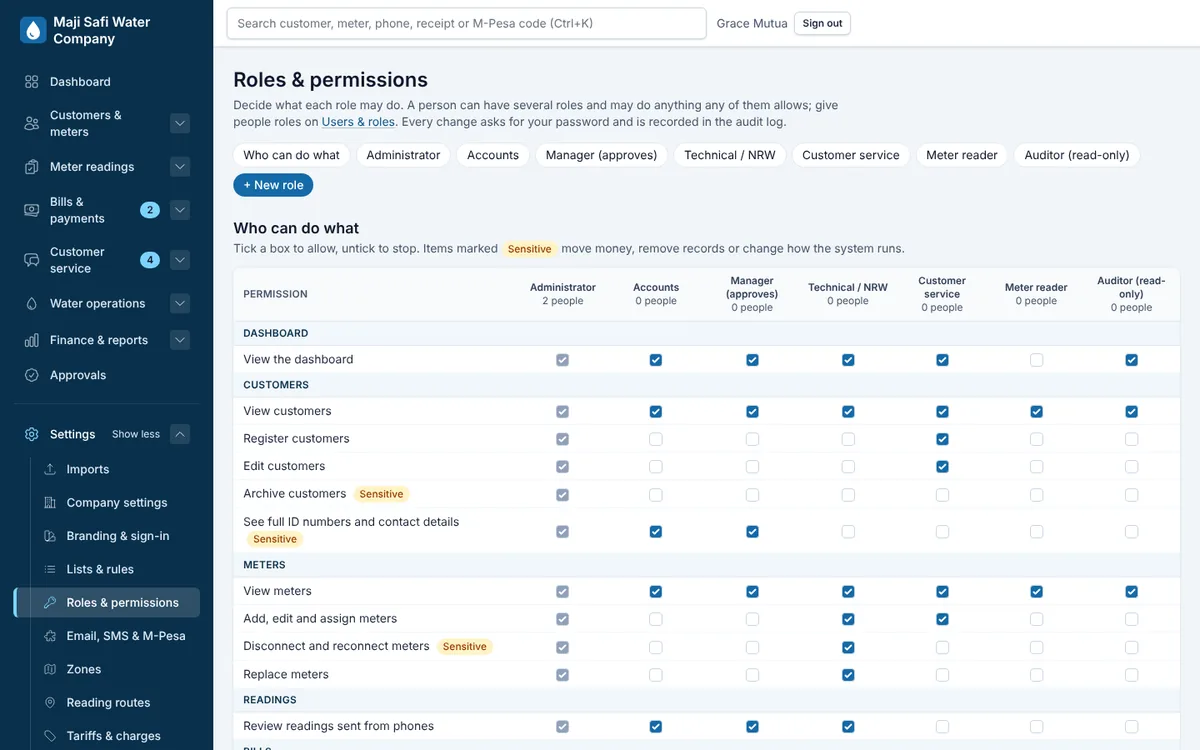
- Roles you define
- Decide exactly what the accountant, the cashier, the reader and the manager can see and do.
- Two-step sign-in
- Staff confirm sign-in with an authenticator app. Sensitive changes ask for the password again.
- Approvals
- Optional second-person approval for write-offs, credit notes and tariff changes.
- Audit trail
- Every change, by whom and when, kept for good.